

Inspiration Apparel
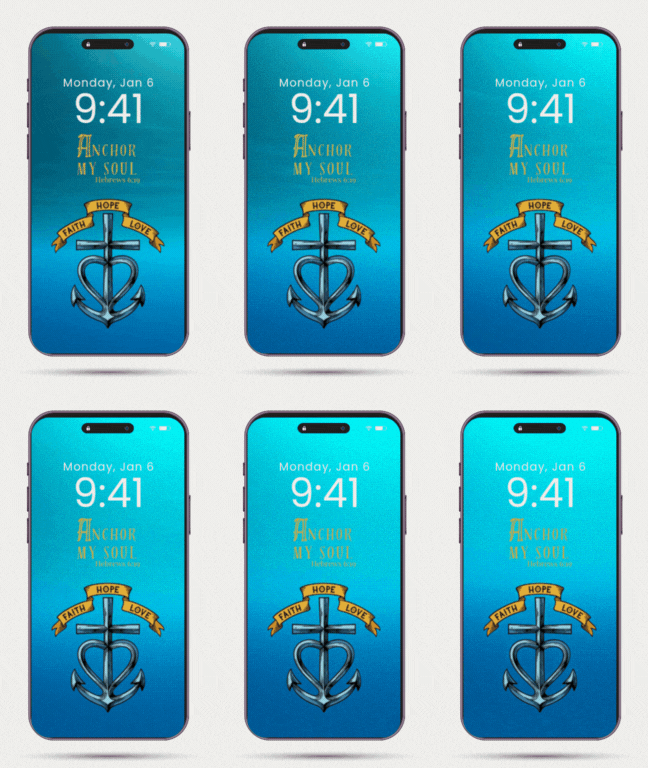
Anchor My Soul Animated Phone Wallpaper
Anchor My Soul Animated Phone Wallpaper
Couldn't load pickup availability
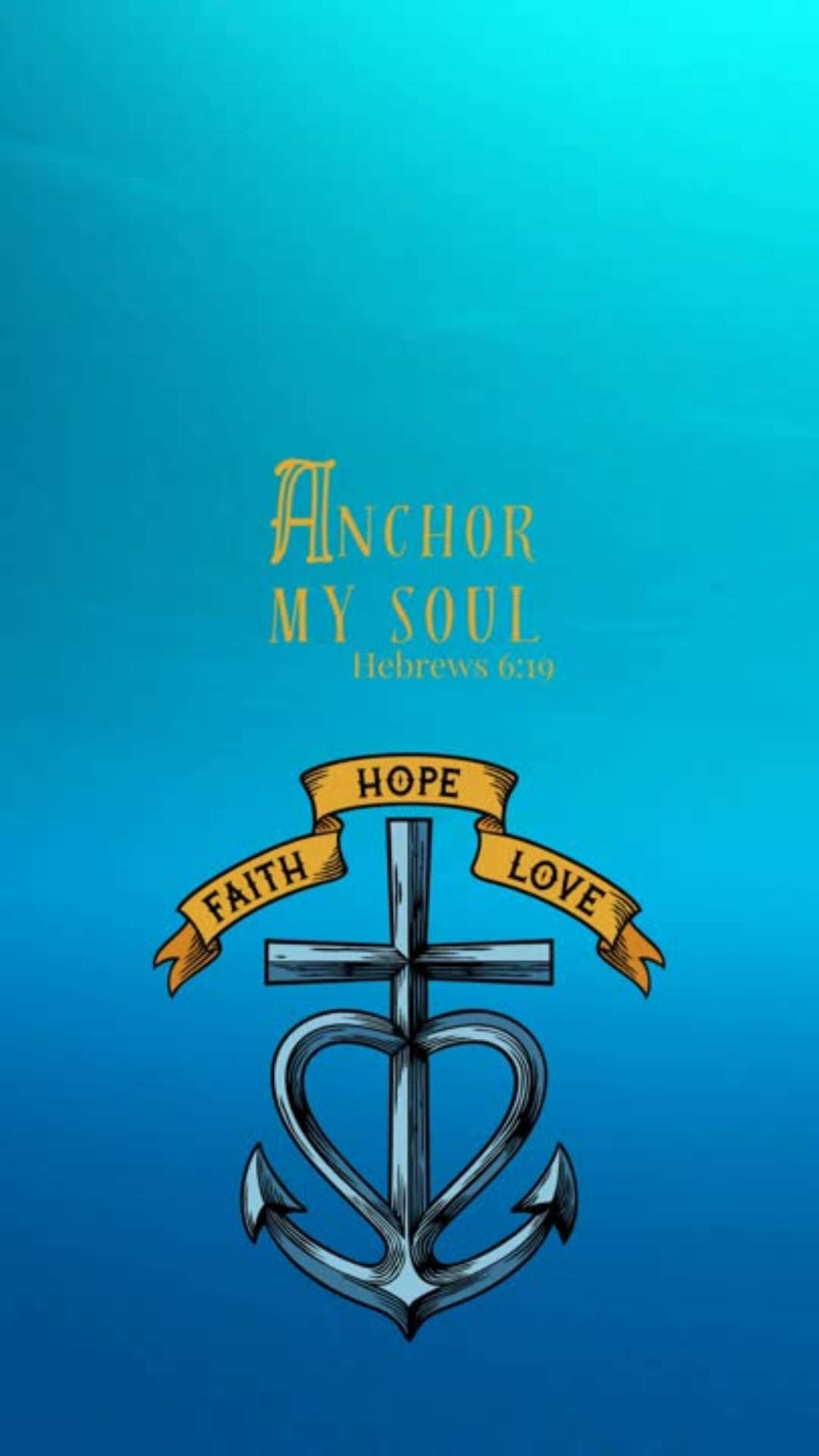
When life feels unsteady, hope holds. The Anchor My Soul wallpaper draws from Hebrews 6:19 — “We have this hope as an anchor for the soul, firm and secure.”
Designed as a visual reminder to stay rooted in what lasts, this wallpaper is available in or animated MP4 (with gentle water ripples). Perfect for lock or home screens, it’s a quiet way to carry scripture into your everyday rhythms — steadying you when the world around you shifts.
Details:
• Instant digital download - png, gif, mp4
• High-resolution image for all phone sizes
• Personal use only
How to Download & Use Your Wallpaper
1. Download your files
After purchase, you’ll receive a link to download your files — usually a ZIP folder or individual items (image, video, and/or GIF). Tap the link to save them to your phone.
2. Unzip if needed
- iPhone: Tap the ZIP → “Preview Content” → tap each file → share icon → “Save Image” or “Save Video.”
- Android: Tap to download → open with your Files app → “Extract” or “Unzip.”
3. Set your wallpaper
Static Image (JPG/PNG):
Open the photo → tap the share icon → “Use as Wallpaper.”
Video Wallpaper (MP4):
- iPhone: Use a free app like intoLive to turn the video into a Live Photo → then go to Settings → Wallpaper → Add New Wallpaper → Live Photo and choose it.
- Android: Open your video → tap “Set as Wallpaper” → choose “Lock Screen” or “Home & Lock Screen.”
GIF Wallpaper (Animated):
iPhones can’t directly set a GIF as wallpaper, so you’ll need to convert it:
Download the free intoLive app from the App Store.
Open it → choose the GIF you downloaded.
Tap Make (or the blue checkmark).
Choose “No Repeat” → tap checkmark again → Save Live Photo.
Go to Settings → Wallpaper → Add New Wallpaper → Live Photo → select your new one.
Press and hold your lock screen to see it move!
Android users can use a free app like GIF Live Wallpaper from the Play Store to apply animated wallpapers directly.
4. Tips
- Live/animated wallpapers usually work best on the lock screen.
- If your phone doesn’t support motion wallpapers, the still image will look just as beautiful.
