

Inspiration Apparel
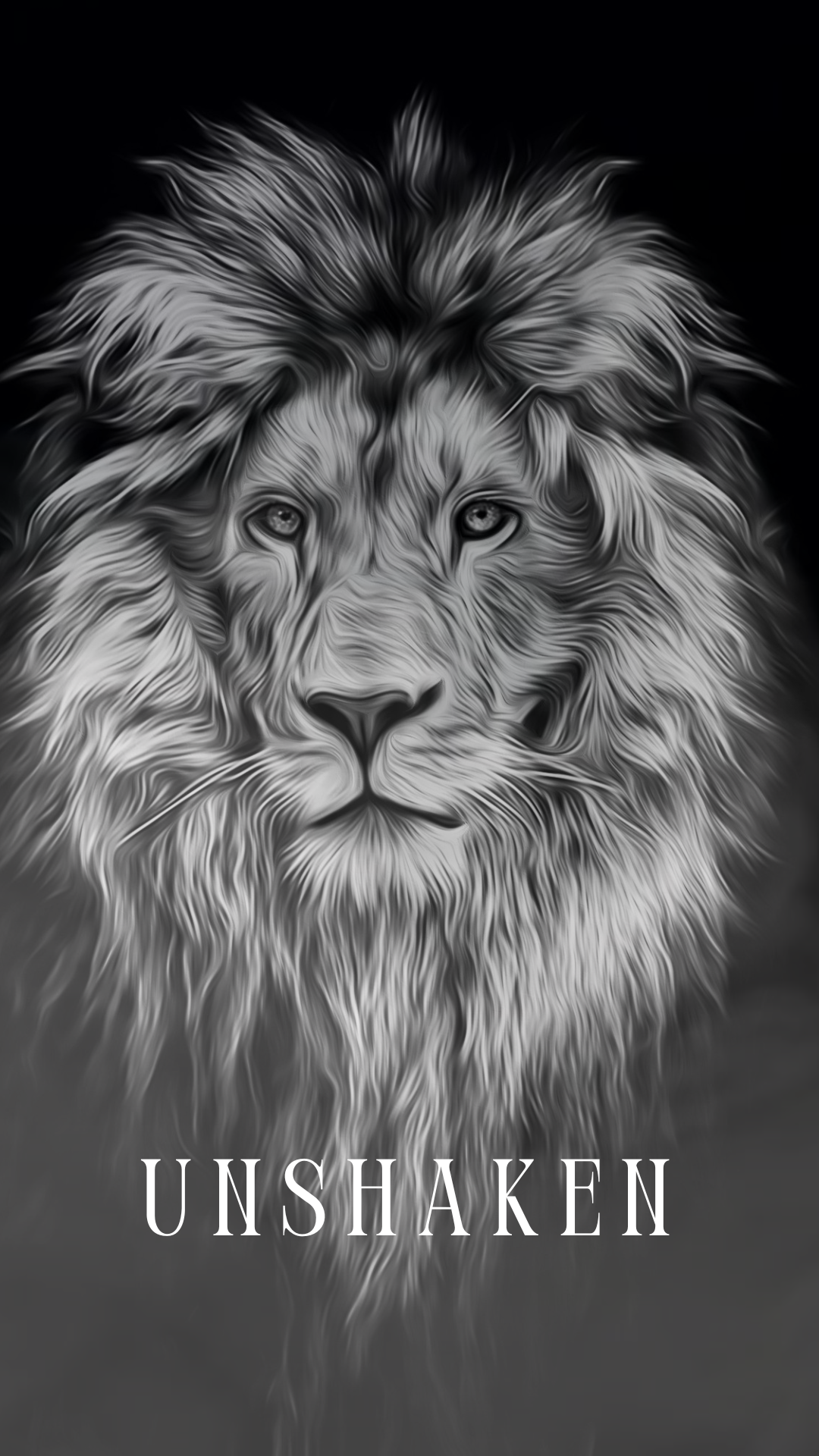
Unshaken Digital Wallpaper
Unshaken Digital Wallpaper
Couldn't load pickup availability
Psalm 16:8 (NIV) “I keep my eyes always on the Lord. With him at my right hand, I will not be shaken.”
When life tries to rattle your faith, let this digital wallpaper remind you who you are and Who’s got you. The Unshaken lion design was created to speak strength and calm into your day, a visual whisper that courage is quiet and confidence is steady.
Perfect for every phone screen and formatted for instant download. Use it as your lock or home screen for a quick reminder that your roar doesn’t have to be loud to be powerful.
Details:
• Instant digital download - png, gif, mp4
• High-resolution image for all phone sizes
• Personal use only
How to Download & Use Your Wallpaper
1. Download your files
After purchase, you’ll receive a link to download your files — usually a ZIP folder or individual items (image, video, and/or GIF). Tap the link to save them to your phone.
2. Unzip if needed
- iPhone: Tap the ZIP → “Preview Content” → tap each file → share icon → “Save Image” or “Save Video.”
- Android: Tap to download → open with your Files app → “Extract” or “Unzip.”
3. Set your wallpaper
Static Image (JPG/PNG):
Open the photo → tap the share icon → “Use as Wallpaper.”
Video Wallpaper (MP4):
- iPhone: Use a free app like intoLive to turn the video into a Live Photo → then go to Settings → Wallpaper → Add New Wallpaper → Live Photo and choose it.
- Android: Open your video → tap “Set as Wallpaper” → choose “Lock Screen” or “Home & Lock Screen.”
GIF Wallpaper (Animated):
iPhones can’t directly set a GIF as wallpaper, so you’ll need to convert it:
Download the free intoLive app from the App Store.
Open it → choose the GIF you downloaded.
Tap Make (or the blue checkmark).
Choose “No Repeat” → tap checkmark again → Save Live Photo.
Go to Settings → Wallpaper → Add New Wallpaper → Live Photo → select your new one.
Press and hold your lock screen to see it move!
Android users can use a free app like GIF Live Wallpaper from the Play Store to apply animated wallpapers directly.
4. Tips
- Live/animated wallpapers usually work best on the lock screen.
- If your phone doesn’t support motion wallpapers, the still image will look just as beautiful.
