

Inspiration Apparel
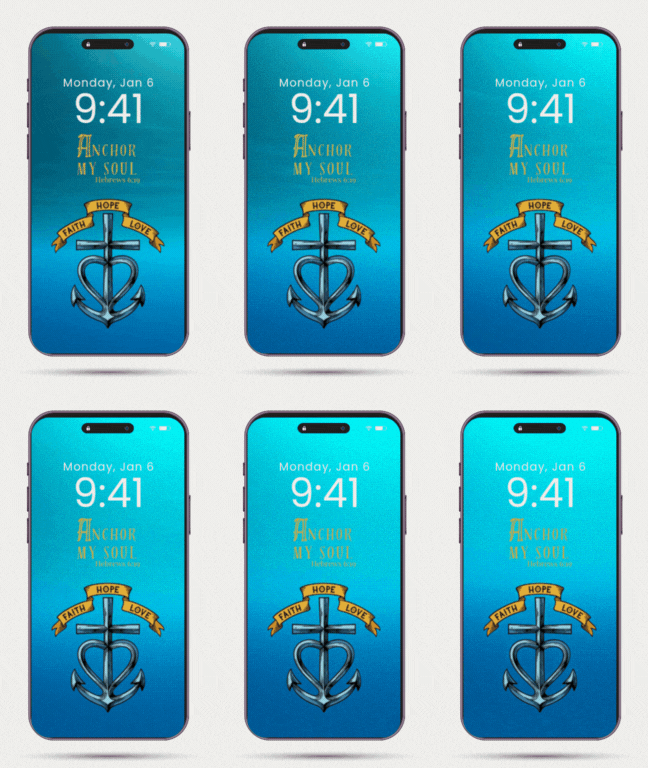
Anchor My Soul Animated Phone Wallpaper
Anchor My Soul Animated Phone Wallpaper
Não foi possível carregar a disponibilidade de retirada.
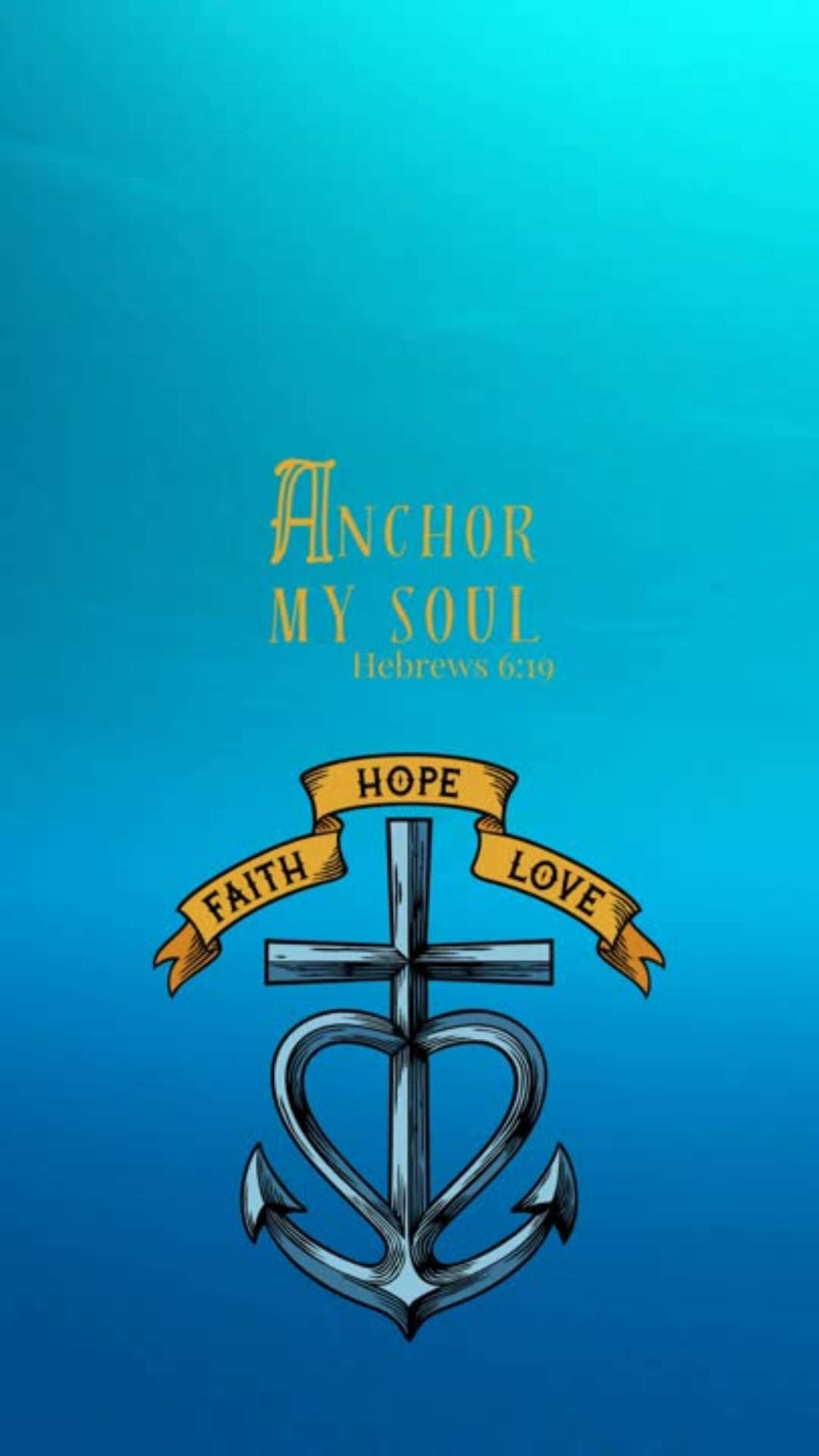
When life feels unsteady, hope holds. The Anchor My Soul wallpaper draws from Hebrews 6:19 — “We have this hope as an anchor for the soul, firm and secure.”
Designed as a visual reminder to stay rooted in what lasts, this wallpaper is available in or animated MP4 (with gentle water ripples). Perfect for lock or home screens, it’s a quiet way to carry scripture into your everyday rhythms — steadying you when the world around you shifts.
Details:
• Instant digital download - png, gif, mp4
• High-resolution image for all phone sizes
• Personal use only
How to Download & Use Your Wallpaper
1. Download your files
After purchase, you’ll receive a link to download your files — usually a ZIP folder or individual items (image, video, and/or GIF). Tap the link to save them to your phone.
2. Unzip if needed
- iPhone: Tap the ZIP → “Preview Content” → tap each file → share icon → “Save Image” or “Save Video.”
- Android: Tap to download → open with your Files app → “Extract” or “Unzip.”
3. Set your wallpaper
Static Image (JPG/PNG):
Open the photo → tap the share icon → “Use as Wallpaper.”
Video Wallpaper (MP4):
- iPhone: Use a free app like intoLive to turn the video into a Live Photo → then go to Settings → Wallpaper → Add New Wallpaper → Live Photo and choose it.
- Android: Open your video → tap “Set as Wallpaper” → choose “Lock Screen” or “Home & Lock Screen.”
GIF Wallpaper (Animated):
iPhones can’t directly set a GIF as wallpaper, so you’ll need to convert it:
Download the free intoLive app from the App Store.
Open it → choose the GIF you downloaded.
Tap Make (or the blue checkmark).
Choose “No Repeat” → tap checkmark again → Save Live Photo.
Go to Settings → Wallpaper → Add New Wallpaper → Live Photo → select your new one.
Press and hold your lock screen to see it move!
Android users can use a free app like GIF Live Wallpaper from the Play Store to apply animated wallpapers directly.
4. Tips
- Live/animated wallpapers usually work best on the lock screen.
- If your phone doesn’t support motion wallpapers, the still image will look just as beautiful.
